In today’s connected world, protecting your digital life is no longer optional. Between online banking, remote work, cloud storage, and social media, the average person has dozens—sometimes hundreds—of online accounts. Each one is a potential entry point for cybercriminals if it isn’t properly secured.
Cybercrime continues to grow rapidly as more of our personal data moves online. Weak passwords, unsecured Wi-Fi networks, phishing emails, and malicious downloads can all expose your sensitive information. Fortunately, there are powerful cybersecurity tools available today that can dramatically reduce your risk.
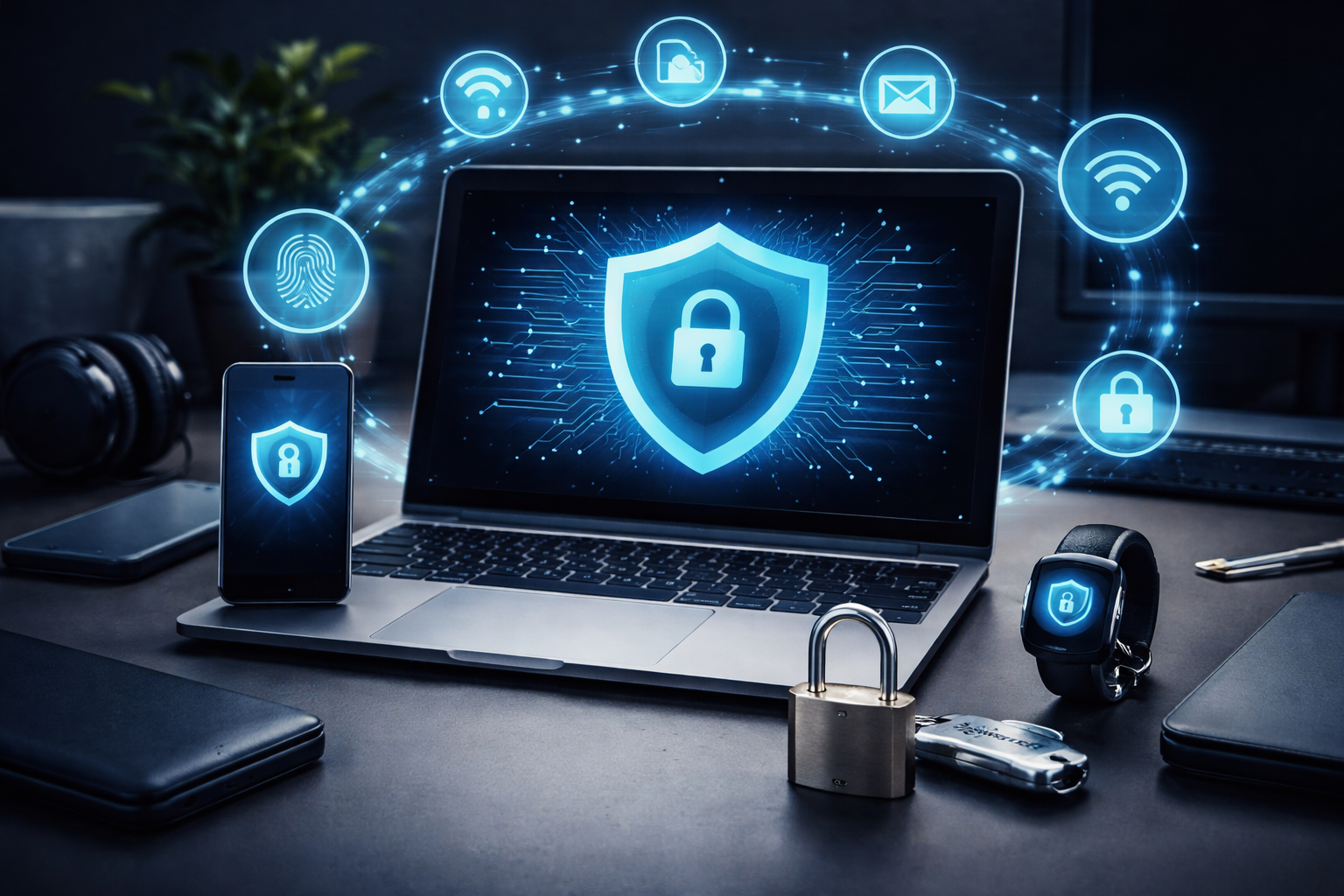
In this guide, we’ll explore the best cybersecurity tools every man should use to protect his digital life, including VPNs, password managers, antivirus protection, and identity monitoring services. By combining these tools, you can build a strong personal security system that protects your devices, accounts, and data.
Why Personal Cybersecurity Matters More Than Ever
Many people think cybersecurity is only a concern for businesses, but individuals are actually some of the most frequent targets of cybercrime.
Identity theft, phishing scams, and data breaches are becoming increasingly common. A major reason is poor password practices and weak digital security habits. Studies show that many people reuse the same passwords across multiple accounts, making it easier for hackers to gain access once a single password is compromised.
Another growing concern is online tracking. In recent surveys, 36% of U.S. adults say they now use a VPN, often to protect their online activity from advertisers, internet providers, or government monitoring.
The good news is that with the right tools and habits, you can significantly reduce your risk of becoming a victim of cybercrime.
Let’s look at the most important cybersecurity tools to start using today.
1. VPNs: Protect Your Privacy and Secure Your Internet Connection
One of the most important tools for protecting your digital life is a Virtual Private Network (VPN).
A VPN encrypts your internet traffic and routes it through secure servers, making it much harder for hackers, internet providers, or advertisers to monitor your activity.
This is especially important when using public Wi-Fi networks in places like:
- Airports
- Coffee shops
- Hotels
- Co-working spaces
Without a VPN, your internet traffic may be visible to attackers on the same network.
Popular VPN services include:
- NordVPN
- ExpressVPN
- Surfshark
These services use strong encryption standards such as AES-256 and include additional security features like malware filtering and ad blocking.
Many modern VPN services also include extra protection tools, such as phishing protection and tracker blocking.
When You Should Always Use a VPN
You should strongly consider using a VPN when:
- Using public Wi-Fi networks
- Traveling internationally
- Accessing sensitive financial accounts
- Downloading files from unknown sources
A VPN doesn’t make you completely anonymous online, but it dramatically increases your privacy and security.
2. Password Managers: The Foundation of Digital Security
Passwords remain the most common way we secure online accounts—but they are also one of the biggest weaknesses in personal cybersecurity.
Many people still reuse passwords across multiple accounts or create weak passwords that are easy to guess.
A password manager solves this problem by storing your login credentials in an encrypted vault and automatically generating strong passwords for each website.
Popular password managers include:
- Bitwarden
- 1Password
- Proton Pass
For example, Proton Pass encrypts stored credentials using strong 256-bit encryption and can store passwords, credit card data, and secure notes in protected vaults.
Password managers also help defend against phishing attacks because they only auto-fill credentials on legitimate domains.
Why Password Managers Are Essential
Using a password manager provides several major security benefits:
- Generates unique passwords for every account
- Protects passwords using encryption
- Prevents password reuse
- Alerts you when your credentials appear in data breaches
- Supports multi-factor authentication
Research shows that people without password managers are significantly more likely to experience identity theft compared to those who use one correctly.
In short, if you only install one cybersecurity tool, make it a password manager.
3. Antivirus and Malware Protection
Even careful internet users can accidentally download malicious files or click phishing links.
Antivirus software acts as a safety net that scans your system for malware, ransomware, spyware, and other threats.
Reliable antivirus tools include:
- Malwarebytes
- Norton 360
- Bitdefender Antivirus
These programs monitor your system in real time and block suspicious files before they can damage your device.
Modern antivirus tools often include:
- Ransomware protection
- Real-time scanning
- Phishing detection
- Web protection
- Firewall monitoring
Some antivirus suites even include identity theft monitoring and VPN services as part of their packages.
4. Multi-Factor Authentication (MFA)
Multi-factor authentication is one of the simplest ways to dramatically increase account security.
Instead of relying only on a password, MFA requires a second form of verification, such as:
- A mobile authentication app
- A text message code
- A hardware security key
- Biometric verification
This means that even if someone steals your password, they still cannot access your account without the second authentication factor.
Many security experts recommend enabling MFA on important accounts such as:
- Banking
- Cloud storage
- Social media
- Work accounts
Password managers often integrate with MFA systems to make login security even stronger.
5. Identity Theft Monitoring Services
Identity theft is one of the fastest-growing forms of cybercrime.
If criminals gain access to your personal information, they can open credit cards, take loans, or commit fraud in your name.
Identity monitoring services scan databases, the dark web, and financial networks to alert you if your personal information appears in suspicious places.
Popular identity protection services include:
- LifeLock
- Aura (security software)
- Identity Guard
These services typically provide:
- Credit monitoring
- Dark web scanning
- Social Security number alerts
- Fraud insurance coverage
Early detection is critical because the sooner identity theft is discovered, the easier it is to stop.
6. Secure Cloud Storage
Cloud storage services are incredibly convenient, but they can also become targets for hackers if they aren’t properly secured.
Secure cloud storage platforms encrypt your data before it is uploaded, ensuring only you can access it.
Examples include:
- Proton Drive
- Tresorit
- Sync.com
Many of these services use end-to-end encryption, meaning not even the provider can read your stored files.
This makes them ideal for storing:
- Personal documents
- Tax records
- Password backups
- Private photos and videos
7. Secure Messaging Apps
Traditional SMS messages are not encrypted, meaning they can potentially be intercepted.
Secure messaging apps use end-to-end encryption to protect your conversations.
Popular encrypted messaging apps include:
- Signal (messaging app)
- Telegram
These apps encrypt messages so that only the sender and recipient can read them.
For privacy-focused users, apps like Signal are widely recommended because they store minimal user data.
Building Your Personal Cybersecurity Stack
The most effective way to protect your digital life is to combine multiple cybersecurity tools together.
A simple but powerful personal security setup might look like this:
- VPN for secure internet connections
- Password manager for strong logins
- Antivirus software for malware protection
- Multi-factor authentication for accounts
- Identity monitoring for fraud detection
Each layer provides protection against different types of threats.
Cybersecurity experts often call this the “layered security approach.”
If one security measure fails, the others still provide protection.
Simple Cybersecurity Habits That Make a Huge Difference
Technology alone isn’t enough—you also need good security habits.
Here are a few simple practices that dramatically improve your online safety:
Use Unique Passwords
Never reuse passwords across multiple websites.
Enable MFA Everywhere
Always enable multi-factor authentication when available.
Keep Software Updated
Updates often include security patches that protect against newly discovered vulnerabilities.
Watch for Phishing Emails
Never click suspicious links or attachments from unknown senders.
Backup Important Data
Regular backups protect you from ransomware and hardware failures.
Final Thoughts
Your digital life contains some of your most valuable information—bank accounts, personal photos, work documents, and private communications. Without proper security, all of it can be vulnerable to cybercriminals.
Fortunately, modern cybersecurity tools make it easier than ever to protect yourself online.
By using a VPN, password manager, antivirus protection, and multi-factor authentication, you can dramatically reduce the risk of hacking, identity theft, and data breaches.
Cybersecurity isn’t just for tech experts anymore. It’s an essential part of modern life—and investing a little time in protecting your digital world today can save you enormous stress tomorrow.
Affiliate Disclosure: As an Amazon Associate, I earn from qualifying purchases. This post contains affiliate links, which means if you click and make a purchase, I may receive a small commission at no extra cost to you. I only recommend products I personally use or believe add real value. Thank you for supporting The Right Man Mindset.